
How to block AI crawlers in robots.txt (and which to keep)
Block AI crawlers in robots.txt without vanishing from AI search: what GPTBot, OAI-SearchBot, ClaudeBot, Google-Extended, and CCBot do, plus Cloudflare’s AI bot settings.
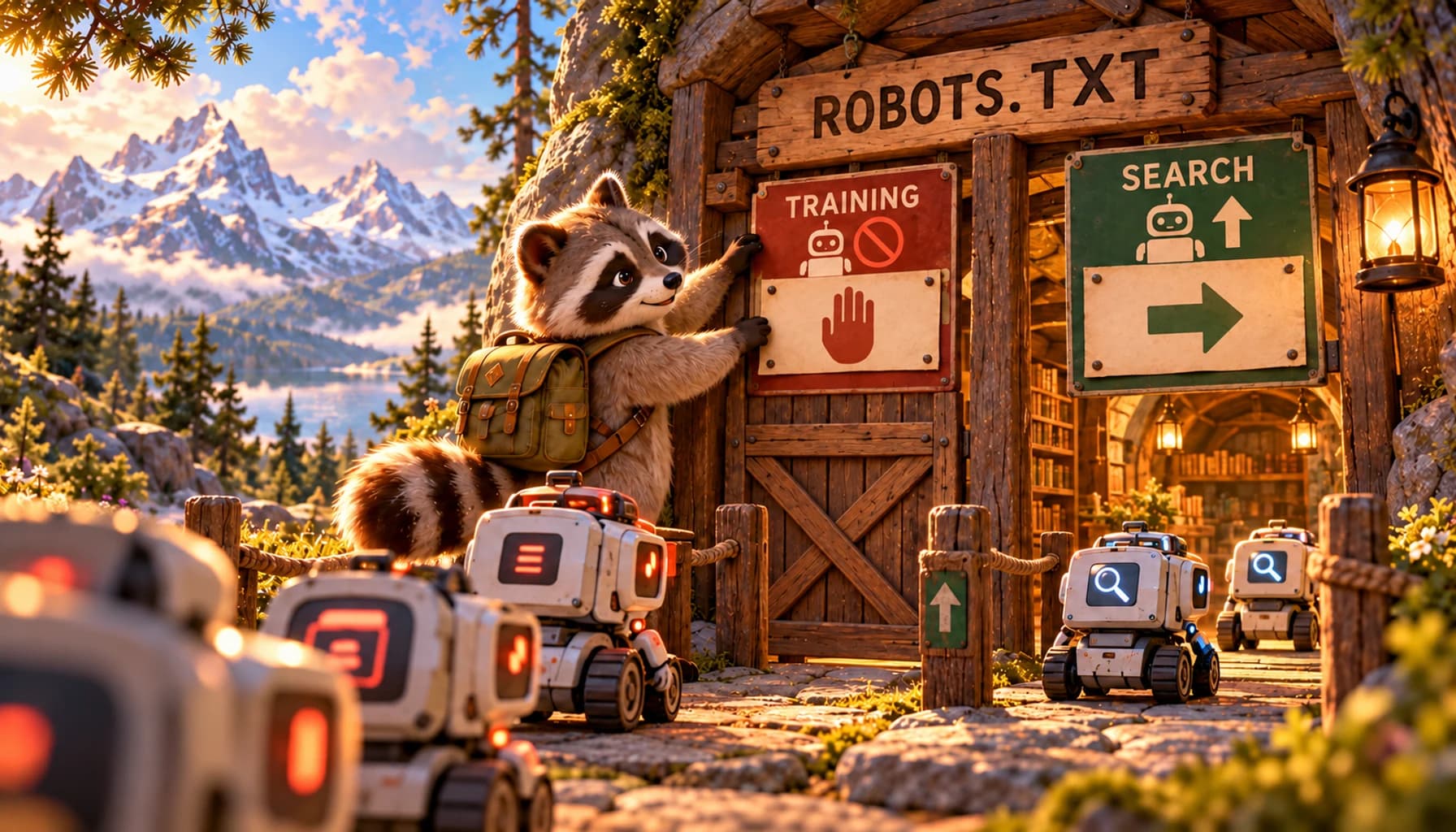
To block AI crawlers in robots.txt, add a User-agent group with Disallow: / for each crawler you want out. The catch: AI companies run separate crawlers for training and for search. Block the training ones (GPTBot, ClaudeBot, Google-Extended, CCBot) if you want out of model training, but keep the search ones (OAI-SearchBot, Claude-SearchBot, PerplexityBot) allowed if you want buyers to find you in AI answers. Robots.txt is a request; Cloudflare’s AI bot policies enforce it at the edge.
You block AI crawlers in robots.txt by naming each crawler’s user agent and disallowing it, and every major AI company documents its own. The harder question is which ones to block, because a “block all AI” snippet can remove your product from the AI answers your buyers are starting to use.
Which AI crawlers to block, and what each does
| User agent | Purpose, per its operator |
|---|---|
| GPTBot (OpenAI) | Content that may be used to train OpenAI’s foundation models |
| OAI-SearchBot (OpenAI) | Showing websites in ChatGPT search answers |
| ChatGPT-User (OpenAI) | Fetching a page when a ChatGPT user asks; not automatic crawling |
| ClaudeBot (Anthropic) | Content that could contribute to model training |
| Claude-SearchBot (Anthropic) | Indexing content for Claude’s search results |
| Google-Extended (Google) | Gemini training and grounding; no effect on Google Search |
| PerplexityBot (Perplexity) | Showing and linking sites in Perplexity search; not used for training |
| CCBot (Common Crawl) | An open web archive that many AI developers use |
- User agentGPTBot (OpenAI)
- Purpose, per its operatorContent that may be used to train OpenAI’s foundation models
- User agentOAI-SearchBot (OpenAI)
- Purpose, per its operatorShowing websites in ChatGPT search answers
- User agentChatGPT-User (OpenAI)
- Purpose, per its operatorFetching a page when a ChatGPT user asks; not automatic crawling
- User agentClaudeBot (Anthropic)
- Purpose, per its operatorContent that could contribute to model training
- User agentClaude-SearchBot (Anthropic)
- Purpose, per its operatorIndexing content for Claude’s search results
- User agentGoogle-Extended (Google)
- Purpose, per its operatorGemini training and grounding; no effect on Google Search
- User agentPerplexityBot (Perplexity)
- Purpose, per its operatorShowing and linking sites in Perplexity search; not used for training
- User agentCCBot (Common Crawl)
- Purpose, per its operatorAn open web archive that many AI developers use
OpenAI says each of its settings is independent: you can allow OAI-SearchBot to appear in ChatGPT search while disallowing GPTBot to keep content out of training. Anthropic and Perplexity document the same split.
Blocking AI crawler bots with robots.txt
This file keeps the app private, opts out of model training, and leaves search engines and AI search crawlers free to read your marketing pages:
User-agent: *
Disallow: /dashboard
Disallow: /api/

# Opt out of model training
User-agent: GPTBot
Disallow: /

User-agent: ClaudeBot
Disallow: /

User-agent: Google-Extended
Disallow: /

User-agent: CCBot
Disallow: /

Sitemap: https://yoursite.com/sitemap.xml
One rule trips people up: a crawler obeys only the most specific group that names it, not the * group as well. If you give a crawler its own group with partial rules, repeat any paths it must also avoid.
Check the result with the robots.txt validator. It lists which AI crawlers your live file blocks and lets you test any path against your rules.
What happens when you block each type
- Training crawlers (GPTBot, ClaudeBot, Google-Extended, CCBot): you signal that your future content should be left out of training. Anthropic describes it as excluding “future materials”, not retracting what was collected before.
- Search crawlers (OAI-SearchBot, Claude-SearchBot, PerplexityBot): you lose visibility in that assistant’s answers. OpenAI says sites opted out of OAI-SearchBot will not be shown in ChatGPT search answers, though they can still appear as navigational links.
- User-requested fetchers (ChatGPT-User, Claude-User): an assistant cannot open your page when a user asks it to. OpenAI notes robots.txt rules may not apply to ChatGPT-User because the action is user-initiated.
- Google-Extended: Google says it does not affect inclusion in Google Search and is not a ranking signal.
Should you block AI crawlers at all?
| If your site is mostly | A sensible default |
|---|---|
| Marketing pages, docs, and a blog that exist to be found | Allow everything; AI citations are free distribution |
| Original paid content, research, or data you sell | Allow search crawlers, block training crawlers |
| App pages behind a login | Disallow those paths for every crawler |
- If your site is mostlyMarketing pages, docs, and a blog that exist to be found
- A sensible defaultAllow everything; AI citations are free distribution
- If your site is mostlyOriginal paid content, research, or data you sell
- A sensible defaultAllow search crawlers, block training crawlers
- If your site is mostlyApp pages behind a login
- A sensible defaultDisallow those paths for every crawler
For most founders, the marketing site is the shop window. Blocking OAI-SearchBot or PerplexityBot there trades a growing discovery channel for very little protection. Training is a personal call, and either answer is reasonable.
Cloudflare: block AI crawlers without editing files
If your site runs through Cloudflare, go to Security Settings and choose Configure AI bot policies. Cloudflare groups bots into Search, Agent, and Training, and each can be set to block on all pages, block only on pages with ads, or allow. Unlike robots.txt, these blocks are enforced at the edge, and they also catch unverified bots that behave the same way.
Two details matter. Cloudflare set new defaults for new domains on 15 September 2026: Training and Agent bots are blocked on pages that display ads, while Search stays allowed. And with Bot Preference Sync on, Cloudflare prepends its own managed rules to the robots.txt your server returns. If you use Cloudflare, read your live /robots.txt rather than the file in your repository.
How long robots.txt changes take
OpenAI says its search systems take about 24 hours to adjust after a robots.txt update, and Perplexity says changes may take up to 24 hours. Google-Extended has no crawler of its own, so it follows Google’s normal robots.txt refresh.
Whatever you decide, measure it. Our guide to tracking your brand visibility in AI search results shows how to check whether assistants mention you, before and after the change.
Frequently asked questions
How do I block AI crawlers with robots.txt?
Add a group for each crawler, such as "User-agent: GPTBot" followed by "Disallow: /". Repeat for ClaudeBot, Google-Extended, CCBot, and any others. Keep search crawlers like OAI-SearchBot allowed if you want to appear in AI answers.
Does blocking GPTBot remove my site from ChatGPT?
Not from ChatGPT search. GPTBot is OpenAI’s training crawler; search visibility is controlled separately by OAI-SearchBot, and OpenAI says the two settings are independent.
Does blocking Google-Extended hurt my Google rankings?
No. Google says Google-Extended does not affect inclusion in Google Search and is not used as a ranking signal.
How do I block AI crawlers on Cloudflare?
In the Cloudflare dashboard, open Security Settings and choose Configure AI bot policies. Set Training, Agent, or Search to block on all pages or on pages with ads. These blocks are enforced at the edge, not just requested.
Want assistants to name your product?
Launch on DanielLaunches for a permanent, crawlable product page that search engines and AI search crawlers can find.
Get my roadmapRead next
Sources
- OpenAI: Overview of OpenAI crawlers - GPTBot, OAI-SearchBot, and ChatGPT-User, their independent settings, and the 24 hour delay
- Google: Google common crawlers - Google-Extended scope and its lack of effect on Google Search
- Anthropic: Does Anthropic crawl data from the web? - ClaudeBot, Claude-User, and Claude-SearchBot and what disabling each does
- Cloudflare: Block AI bots and robots.txt setting - AI bot policies by Search, Agent, and Training, and the 15 September 2026 defaults